Drill vs Impact Driver: Which One Do You Need?
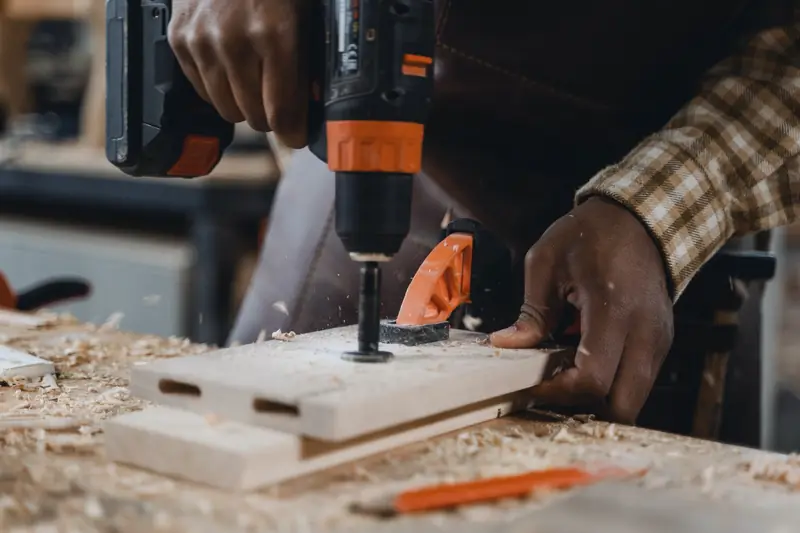
A drill turns a bit steadily. An impact driver adds quick rotational impacts on top of that turning. The difference decides which jobs each does best, which bits fit, and how much noise you make. For most homes, the answer is both, but you can start with one.
Drill: the better choice if…
- You bore holes in wood, metal and drywall as often as you drive screws.
- You want a clutch that stops at a set torque, so you do not strip small screws.
- You use larger bits that need a 1/2-in or 3/8-in chuck.
Impact driver: the better choice if…
- You drive long screws or lag bolts, as in decks and fences.
- You want less strain on your wrist when you drive fasteners.
- You want fast bit changes with a 1/4-in hex chuck.
Jump to section
At a glance
| Point | Drill | Impact driver |
|---|---|---|
| How each works | Steady rotation | Rotation plus quick impacts |
| Chuck | 1/2-in keyless, per DeWalt spec | 1/4-in hex, per DeWalt spec |
| Best tasks | Drilling holes, light driving | Long screws, lag bolts |
| Torque control | Clutch settings | Speed and precision modes |
| Noise | Quieter in steady use | Louder when impacts engage |
| Why a combo kit | Shares batteries with the driver | Shares batteries with the drill |
How each works
A drill spins the bit at a steady rate, and you control how hard it drives with the clutch. An impact driver also spins, but when it meets resistance it adds quick rotational impacts, which keeps long screws turning without you leaning on the tool. The result is easier driving, but less control than a clutch gives.
Chuck
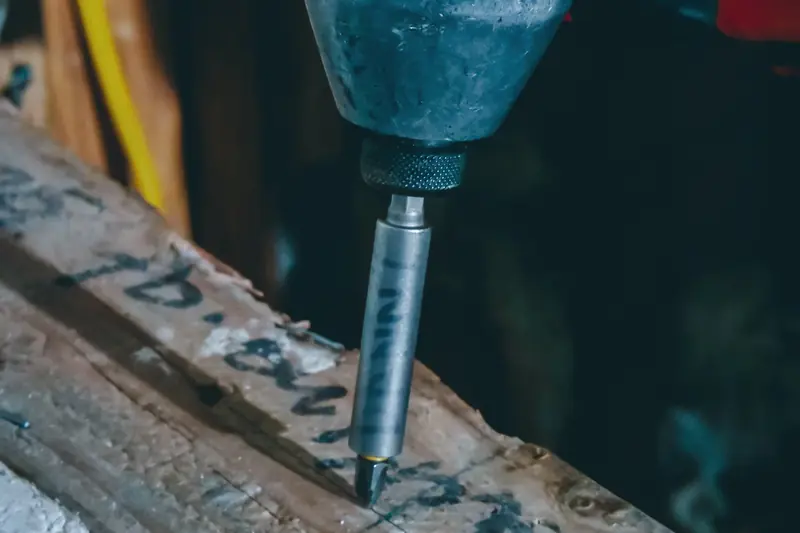
Drills use a chuck that holds round or hex shanks, and the size sets how large a bit it can hold. DeWalt's entry combo kit, for example, lists a 1/2-in single-sleeve ratcheting chuck on its drill and a 1/4-in hex chuck that accepts 1-in bit tips on its impact driver (DeWalt kit page). Those are examples from one maker, so check the listing for the model you want.
Best tasks
Use a drill to bore holes and to drive small screws where a clutch helps. Use an impact driver for long screws, decking and lag bolts, where the tool needs to keep turning against resistance. If you only buy one tool, pick the one that matches the jobs you do most. Our guide to choosing a cordless drill can help.
Torque control
A drill has a numbered clutch that slips at the setting you choose, which protects screws and surfaces. An impact driver has no clutch, but many models have a low-speed or precision mode that limits how hard it drives. For small screws in trim or cabinets, the clutch on a drill is more forgiving.
Noise
Impact drivers get louder when the impacts engage. NIOSH lists power tools among equipment around 85-90 dBA and advises hearing protection in noisy areas (NIOSH). NIDCD says to wear hearing protectors when noise is at or above 85 dBA (NIDCD). Wear them with either tool during long jobs.
Why a combo kit makes sense
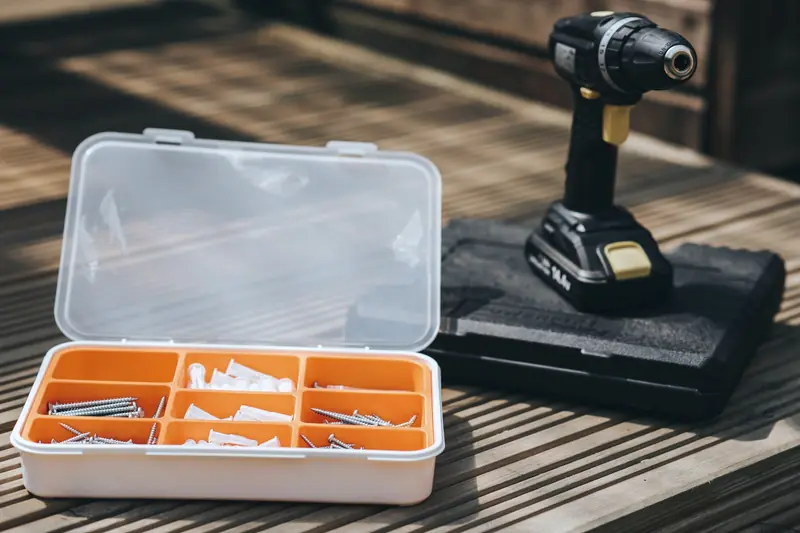
A kit puts both tools in one box and the two share batteries and a charger, so one purchase gets you both. Use only the charger that came with the tools, and only batteries approved for them (NY DHSES). Our combo kit page compares kits by batteries, motor type and case.
Which should you buy?
If you drill holes and drive small screws, start with a cordless drill. If you build decks, fences or frames, add an impact driver. If you want both, a combo kit is the simplest start.
Alternatives
If you are weighing motor types, see brushless vs brushed tools. For the safety habits that apply to both, see power tool safety basics.
FAQ
Can an impact driver drill holes?
It can with hex-shank drill bits, but it lacks a clutch, so a drill is better for precise holes.
Which one is better for a beginner?
A drill is the more general tool, because it bores holes and has a clutch for small screws. Add an impact driver when you start driving long screws.
Do I need hearing protection?
NIOSH lists power tools among equipment around 85-90 dBA and advises hearing protection in noisy areas (NIOSH).
Related
-
Buying guide
Best Cordless Drills for Home Use
Voltage class, chuck, motor type and battery kit, side by side.
-
Buying guide
Best Impact Drivers for DIY
Torque, impact rate, speed modes and head length, side by side.
-
Buying guide
Best Drill and Impact Driver Combo Kits
Batteries, charger, motor type and case, compared kit by kit.
-
Comparison
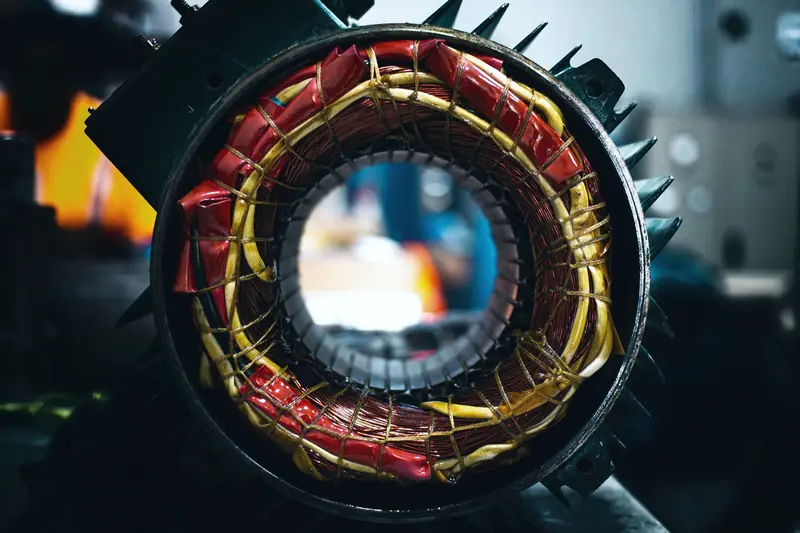
Brushless vs Brushed Power Tools: Is Brushless Worth It?
How the motors differ, what makers claim, and when brushed is enough.
-
Guide
How to Choose a Cordless Drill: Voltage, Chuck, Motor and Battery
What the voltage, chuck, motor and battery labels mean for your jobs.
Get the Before-You-Cut Safety Checklist
A printable 8-point check to run before you cut, drill or charge: guards, blade depth, clamping, protection and batteries. Free, and sized for the shop wall.